See the whole day clearly
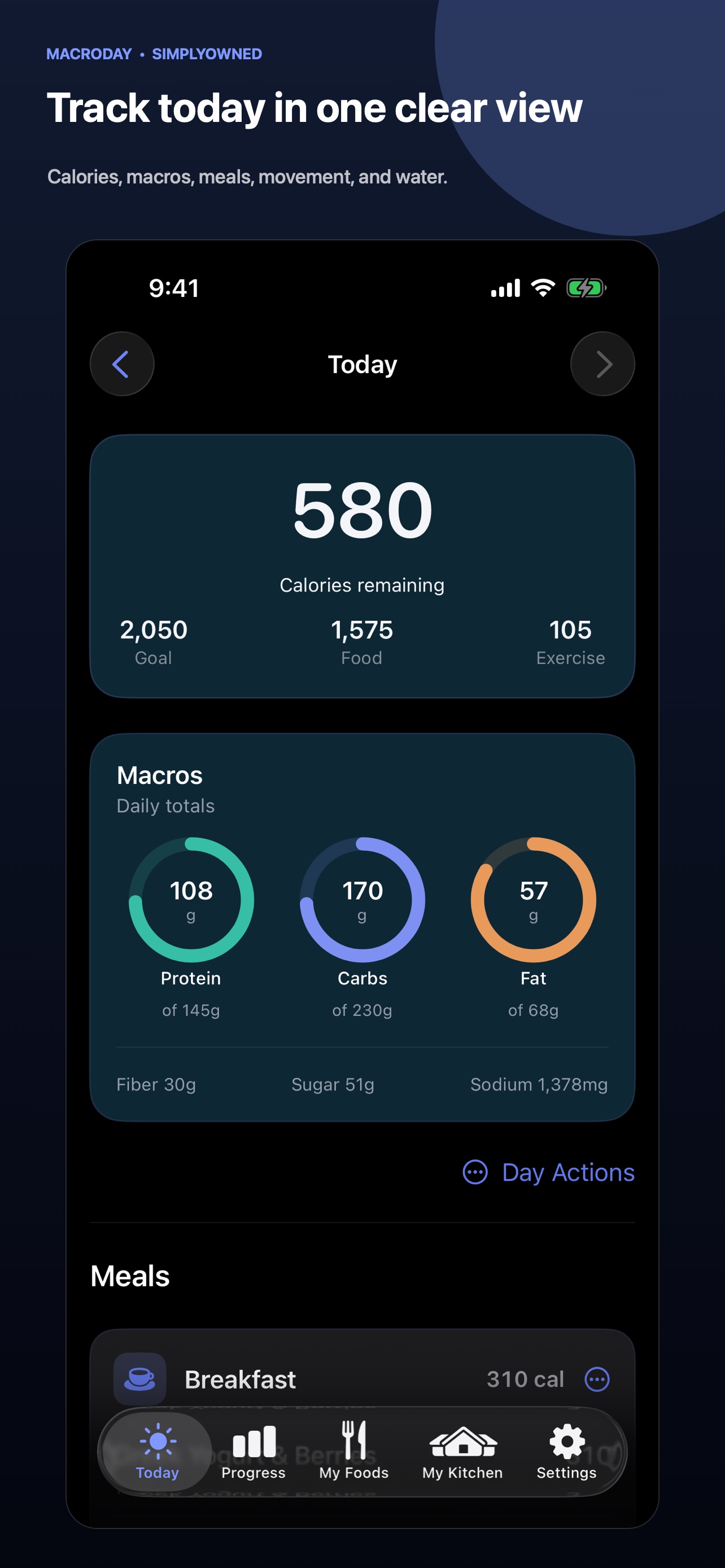
Track calories, protein, carbohydrates, fat, fiber, sugar, sodium, meals, water, weight, and exercise in one daily view.
Nutrition & wellness

Track calories, macros, meals and trends in one clear daily view. Find foods, scan supported barcodes or Nutrition Facts labels, and save recipes you use again. No account required. No subscription.
Built around the useful part
Inside the app
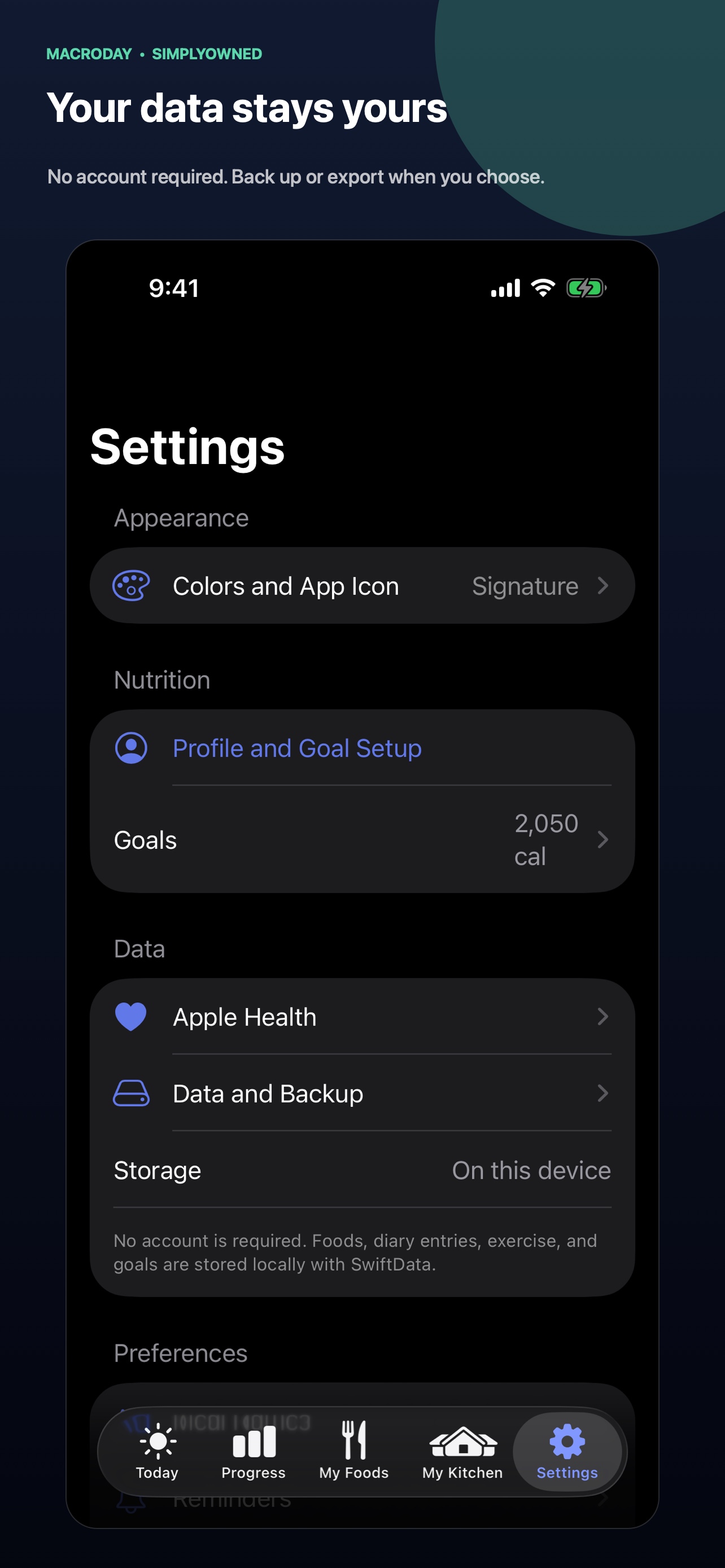
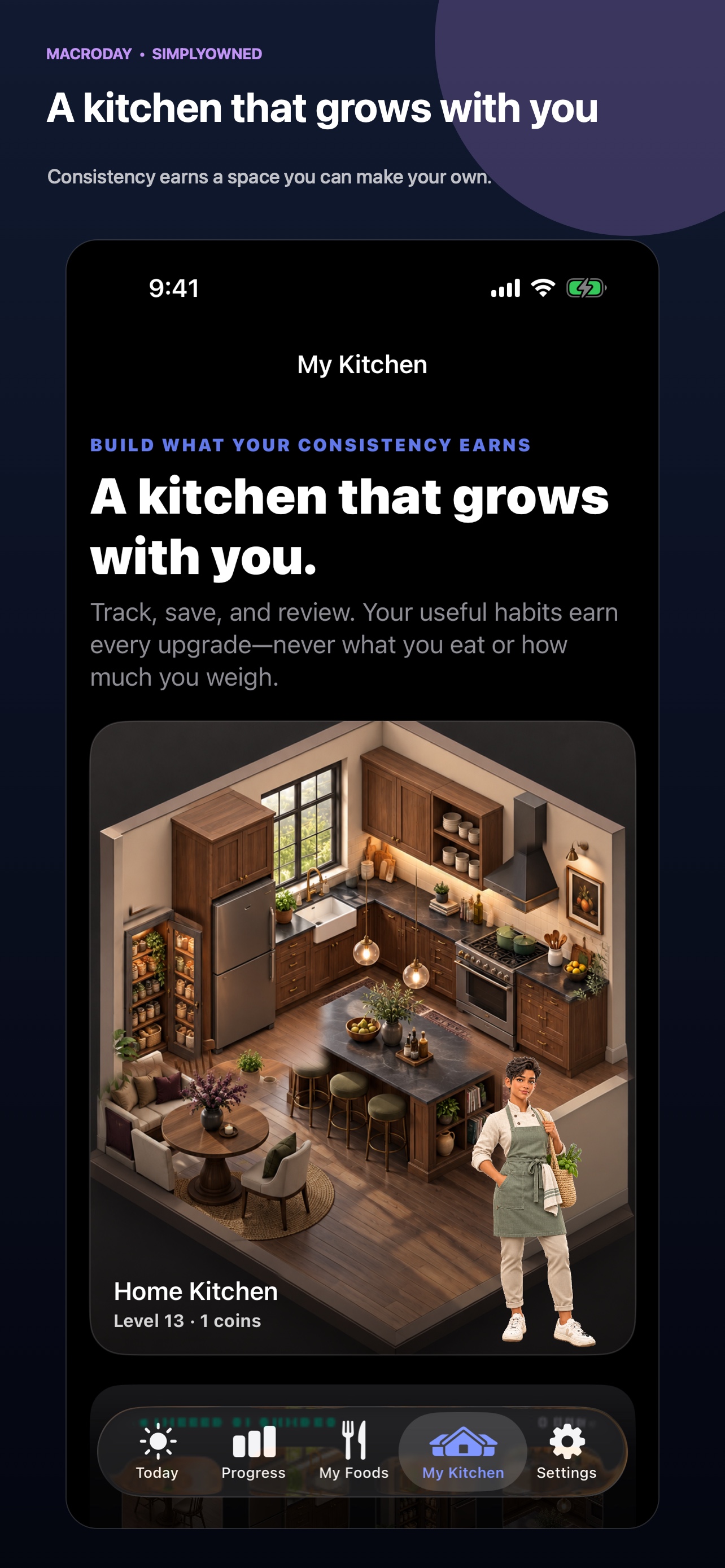
These are the current screenshots published on MacroDay’s App Store listing.
What it does
MacroDay keeps the daily flow clear while giving you useful ways to find food, reuse meals, review trends, and keep a portable copy of the records you choose to create.
Track calories, protein, carbohydrates, fat, fiber, sugar, sodium, meals, water, weight, and exercise in one daily view.
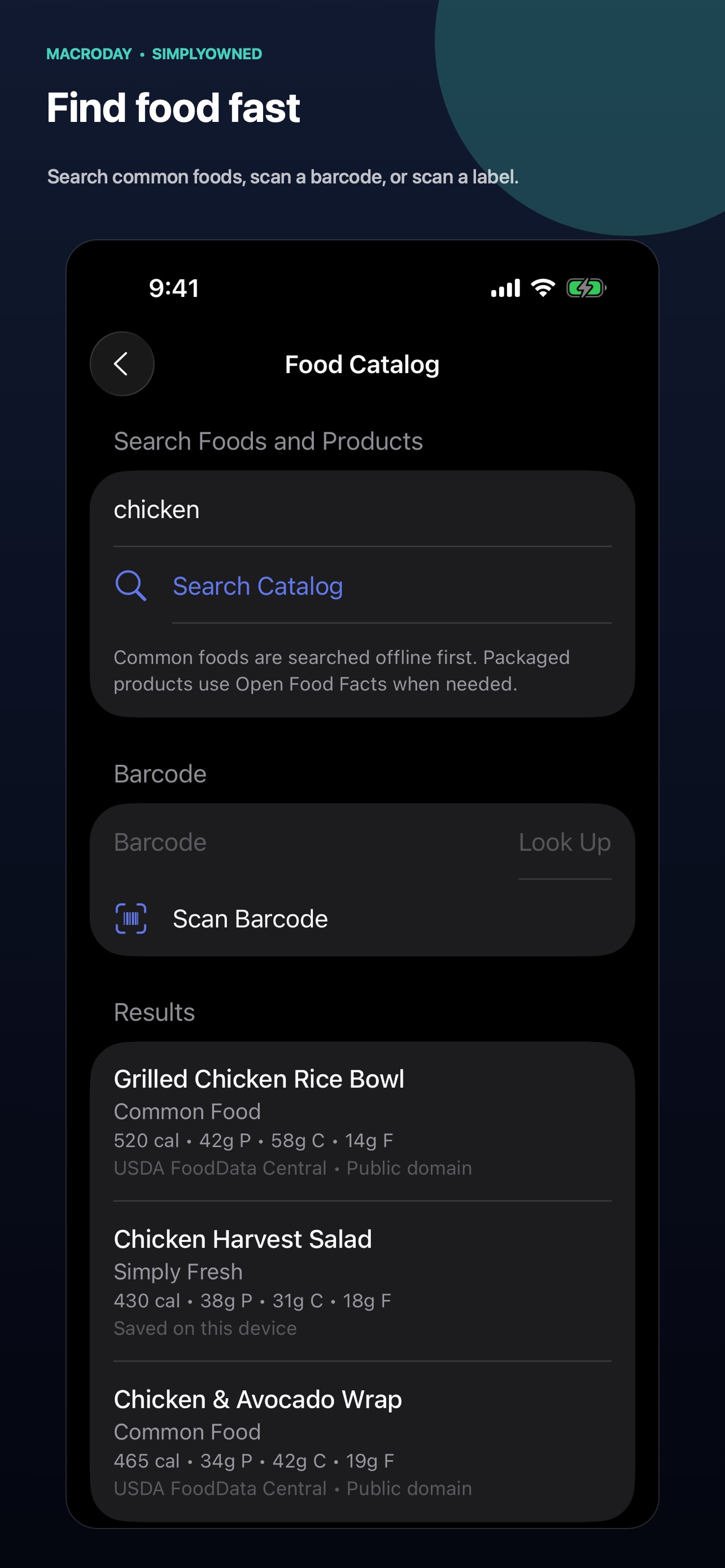
Search a bundled offline catalog first, use optional Open Food Facts results when needed, or create and edit a food yourself.
Scan supported retail barcodes or read calories and macros from a Nutrition Facts label on your device. Review every value before saving.
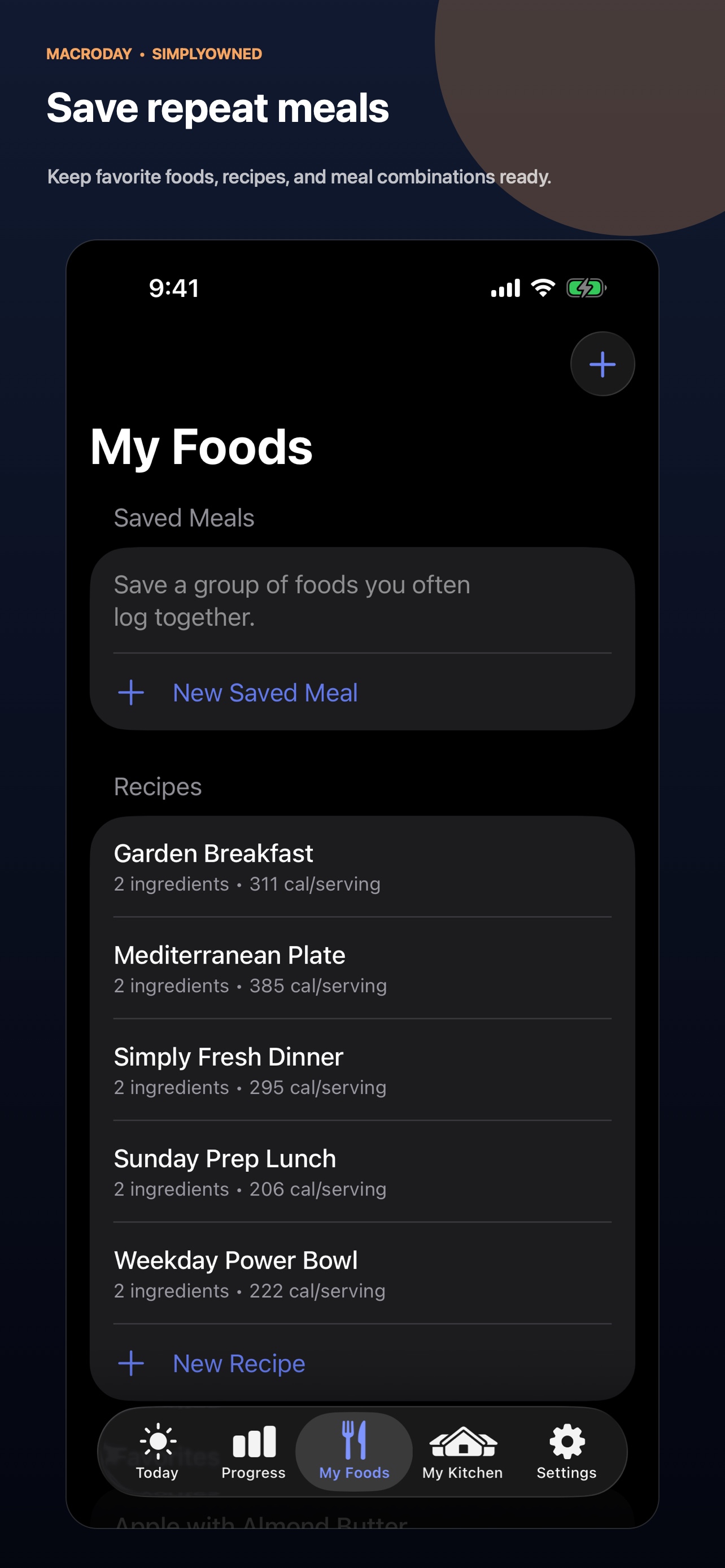
Save foods, build recipes and saved meals, copy a prior meal, and keep frequently used choices close at hand.
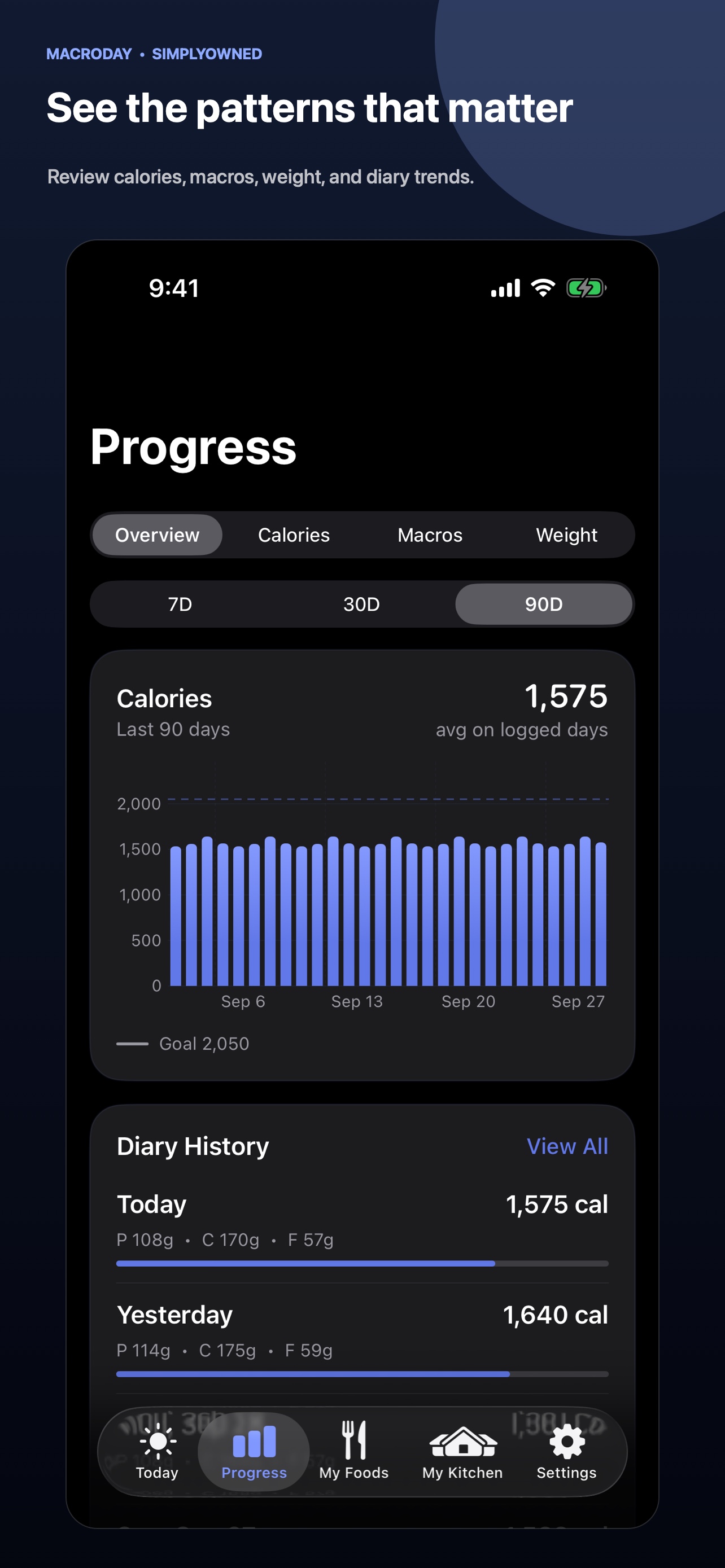
Review daily history and longer-term nutrition and weight trends, with a widget for a quick view of the current day.
Log exercise manually or optionally import read-only Apple Health workouts and body-mass records. You control how much exercise credit affects the day.
Export a readable CSV or a complete MacroDay backup, restore a compatible backup, and delete local records from the app.
Consistent use builds a calm cosmetic kitchen. Progress is not tied to eating less, losing weight, skipping meals, or excessive exercise.
How value works
MacroDay is paid upfront and version 1.0 has no in-app purchases, trial clock, paywalls, or recurring subscription.
MacroDay is a one-time purchase with no subscription. The App Store shows the current price for your storefront when you purchase.Support guides
Practical steps for finding food and keeping a portable copy of the data you choose to create.
Choose between saved foods, the offline catalog, optional online results, barcode scanning, Nutrition Facts scanning, and manual entry.
Read the guideCreate a complete backup, store it safely, and understand what happens before you replace data on another iPhone.
Read the guideExplore the portfolio